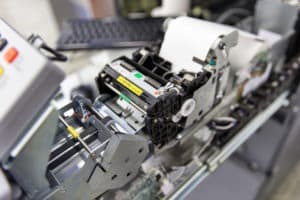
 It gets overwhelming trying to keep up with all your responsibilities at the office so it’s understandable that you might forget a few things. One of these areas that are often pushed to the side is printer maintenance. It’s a hassle at times, but you’ll save yourself time and money by being proactive instead of being reactive after a problem requiring printer repair occurs. Keep these five preventative measures in mind to keep costs down and reduce downtime.
- Use ethyl or isopropyl alcohol instead of cleaners with ammonia or other solvents when cleaning the outside of the printer. Put the alcohol on the cloth instead of directly on the device. Don’t forget the rollers because they tend to get dusty.
- Keep the humidity levels in your office from 40 to 60 percent to ensure your printer operates as it should. Excessive moisture could damage parts necessary for your printer to operate correctly.
- Examine the printer heads when you’re doing maintenance. Prevent them from getting clogged by applying a small amount of alcohol on them. A good indicator that the heads are clogged is if your documents are printing poorly.
- Check your paper path. Toner, film, and dust accumulate on the paper path and can rub onto the paper, which can negatively impact the final print quality. Don’t forget to check the path every couple months. This is especially important if you want to avoid copier repair because there’s a bigger chance of dust and other debris getting in the machine.
- Ensure your ink pigment stays fresh. It’s not an issue if you use your printer on a regular basis, but if it sits on your desk for months accumulating dust, you might discover that the ink’s pigment starts to fade. Make it a point to print a couple pages every few weeks to keep the ink fresh so you don’t have to replace the cartridge sooner than necessary. Purchasing ink more often than you need to adds up quickly and drastically increased your overall expenses.
There are some things you can afford to skimp on to save time and money, but regular printer maintenance isn’t one of them. Take a proactive approach and save yourself valuable time and financial resources by being vigilant.